One Call, One Visit, One Completed File
For an older homeowner, the process should not require repeated appointments, repeated explanations, or repeated paperwork trips.
The senior makes one phone call and provides basic identifying information. Before the field officer arrives, the system can already begin assembling the property record from public information and can request contractor pricing. When the field visit occurs, the officer is not starting from scratch. The file is already underway, the contractor bid is already in the system, and the remaining identification, photographs, and field documentation can be completed in one visit.
From the senior's point of view, the process becomes as close as possible to one-and-done.
For local government offices administering CDBG, HOME, or other grant-funded repair and rehabilitation programs.
Local repair programs often struggle for reasons that have little to do with intent. The need is real, the funding may exist, and the staff may be working hard, but the process itself can become fragmented. Site information lives in one place, photos in another, applicant paperwork somewhere else, contractor scope assumptions vary, and the administrative file becomes harder to manage as the case moves forward.
This platform is designed to help bring that process into one organized working structure.
That does not mean a contractor must be selected on the spot, and it does not eliminate program review or approval steps. It means the applicant does not have to carry the burden of a fragmented, multi-step administrative process.
What This Could Look Like in a Local Repair Program
A homeowner may need a roof, accessibility work, drainage correction, or other basic repairs, but the path from need to completed work is rarely simple. Many residents are older, overwhelmed, or unfamiliar with the paperwork. Staff members may be balancing multiple cases at once. Contractors may be asked to price work based on incomplete or inconsistent information. Even when everyone is trying to do the right thing, the file can become difficult to follow.
A more structured process can reduce that friction.

The Need
An older homeowner needs a roof. The application process can be hard to sort through alone.

The Work
The contractor has clearer site information. The bids can be gathered in a more consistent way. The paperwork is easier to keep organized.

The Result
The roof is repaired. Private paperwork is handled more carefully. The City and district have a clearer record of the work.
The result is not simply a repaired roof or completed project. It is a more orderly path from initial need to documented outcome.
Start With the Property, Not With the Paper Stack
A repair file becomes easier to manage when it begins with a clear understanding of the actual place involved.
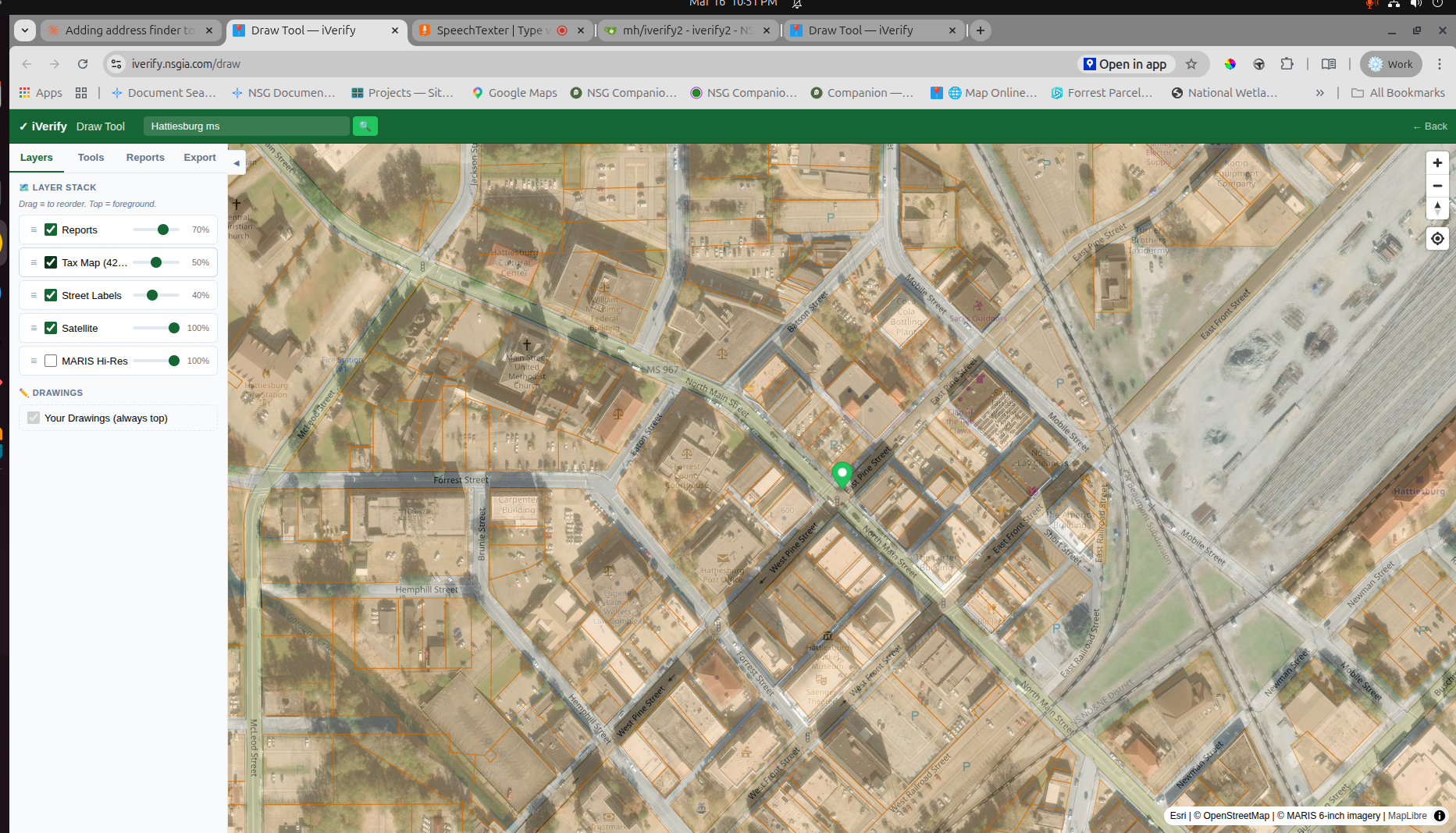
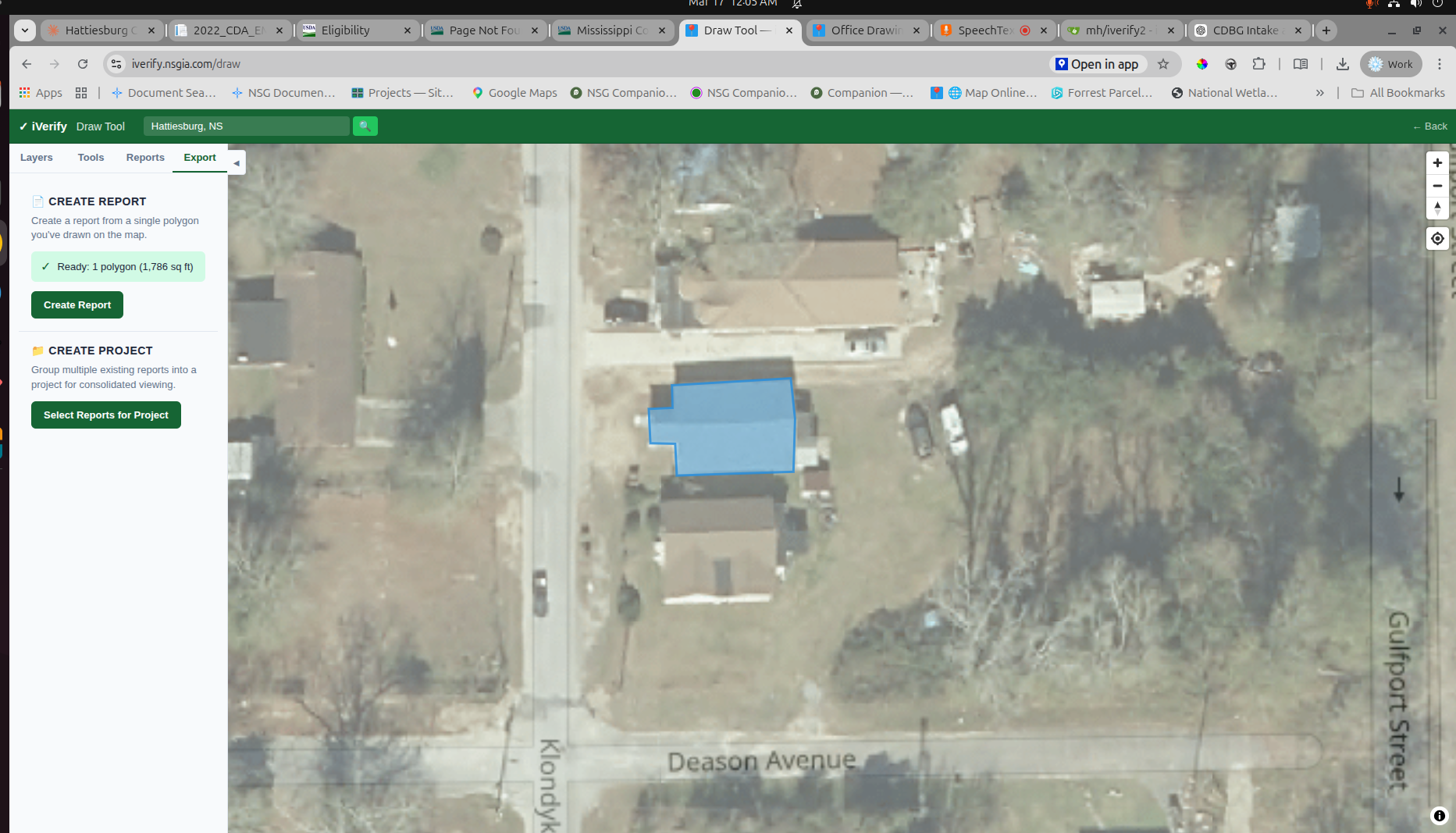
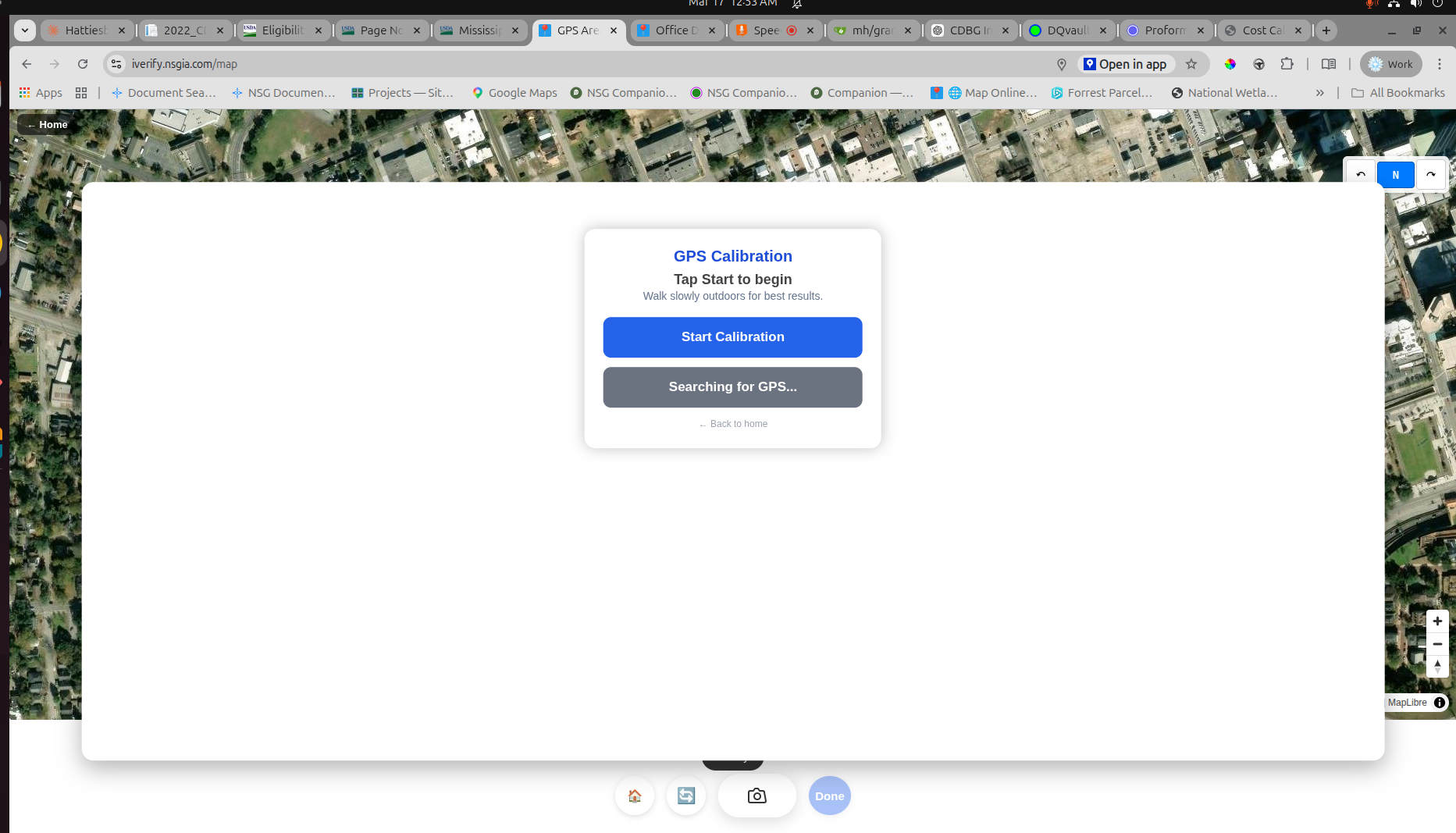
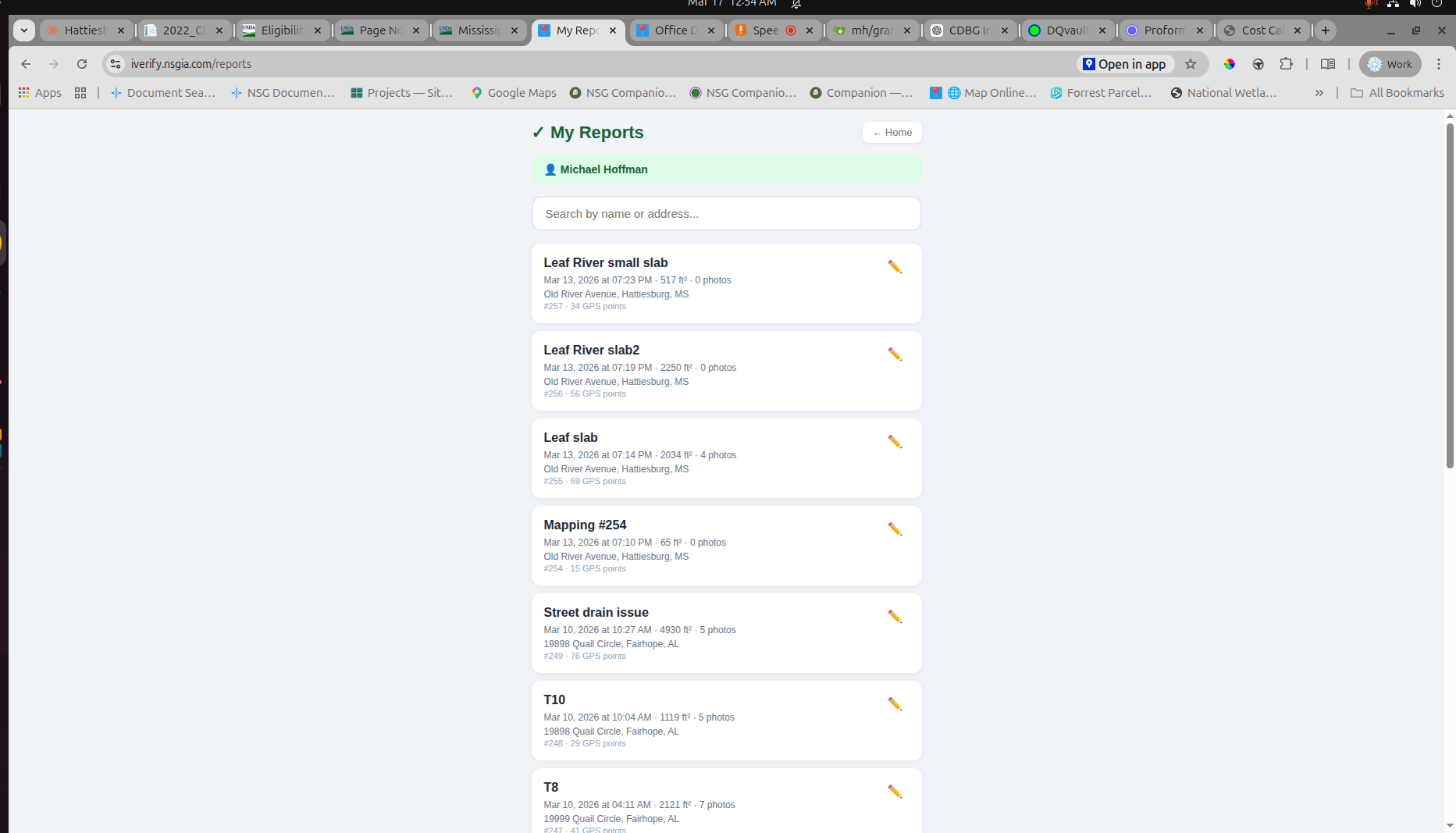
This platform allows a property, structure, or problem area to be identified first. In some cases that can be done from the office using available imagery. In other cases it can be done in the field using GPS. Where a parcel includes multiple structures, or where only one portion of a site is relevant, the record can focus on the actual building or area under review rather than treating the whole parcel as a single undifferentiated case.
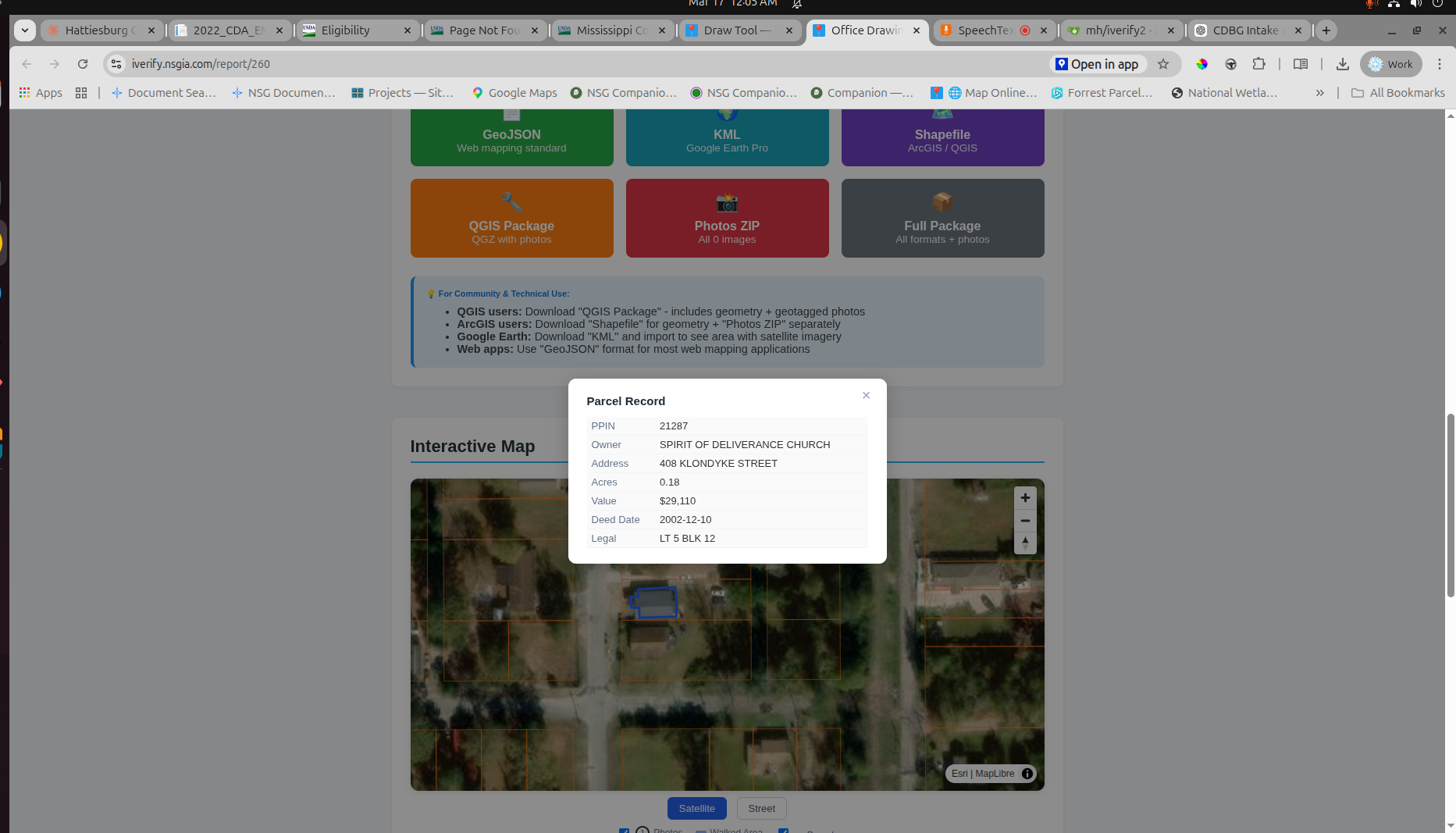
Once that area is identified, the mapped record can hold the supporting field information that staff and contractors usually need in order to make sense of the job. That may include photographs, measurements, parcel associations, timing, and notes tied to the site itself rather than scattered across separate systems.
This helps create a clearer starting point for review. Instead of trying to reconstruct the condition of a property from disconnected emails, paper notes, and phone images, the case can begin with a defined place and a structured set of site records.
- Office-based roof or structure measurement from imagery
- GPS field mapping for capturing actual site conditions
- Parcel and tax-map association
- Geotagged field photography tied to location and time
- Exports suitable for GIS workflows where needed
Keep the File Together as the Case Moves Forward
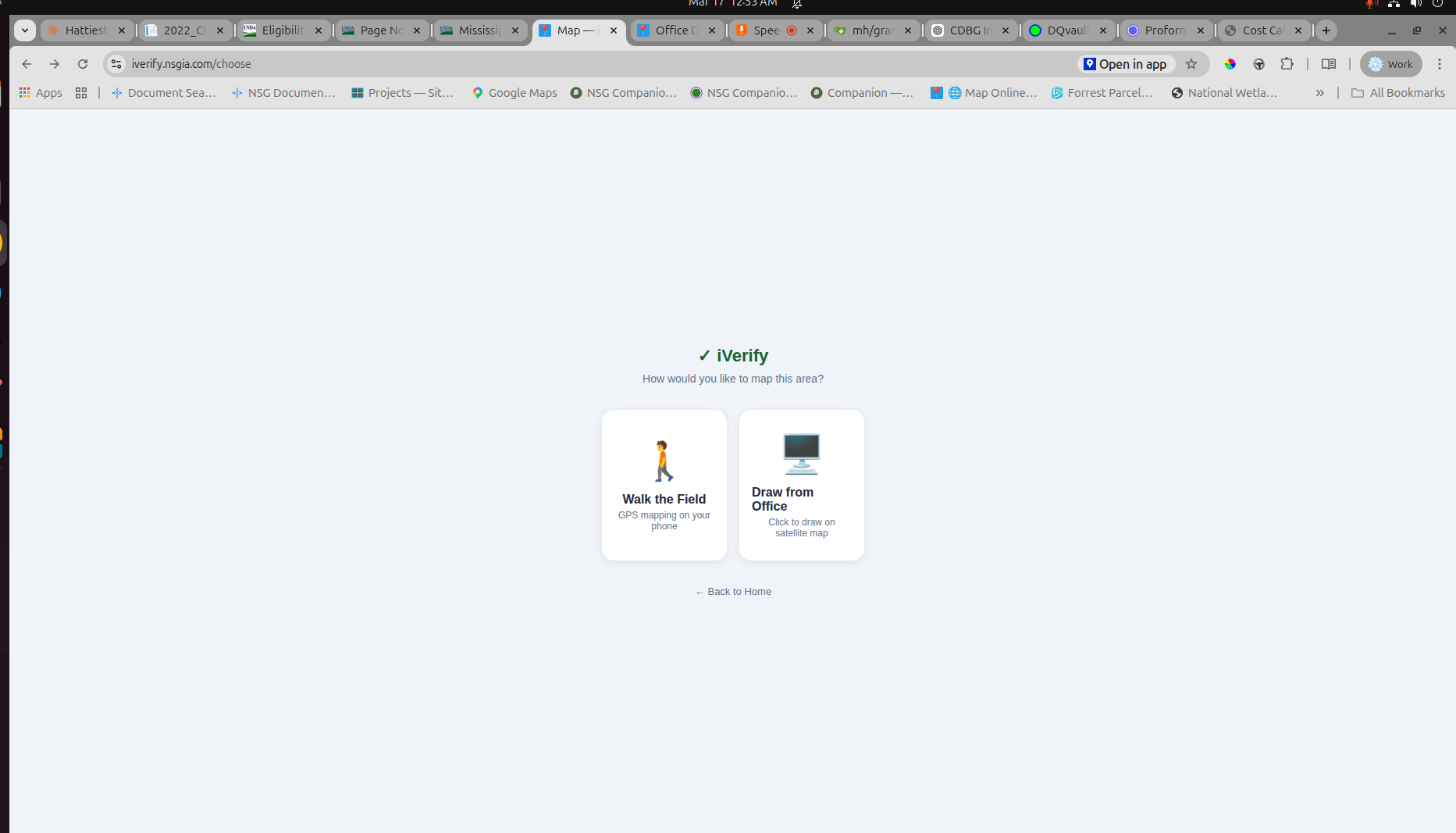
One of the most common administrative problems in repair work is not the lack of information, but the loss of continuity. Photos are taken, notes are made, documents are uploaded, and reports are created, but over time the file can become difficult to search, verify, or hand off.
Documents, photos, mapped areas, notes, and generated reports remain tied to the case. Earlier records do not disappear when updates are made. The file remains searchable, with a clear trail of what was documented and when.
That matters for ordinary workflow, but it also matters when a case must be revisited. A staff member may need to review prior documentation, confirm what was measured, or understand how a prior decision was made.
A More Organized Intake Process for Staff and Residents
Eligibility review is often one of the most sensitive and time-consuming parts of a local repair program. Residents may struggle with forms. Staff may need to track missing items and case status across multiple applicants at once.
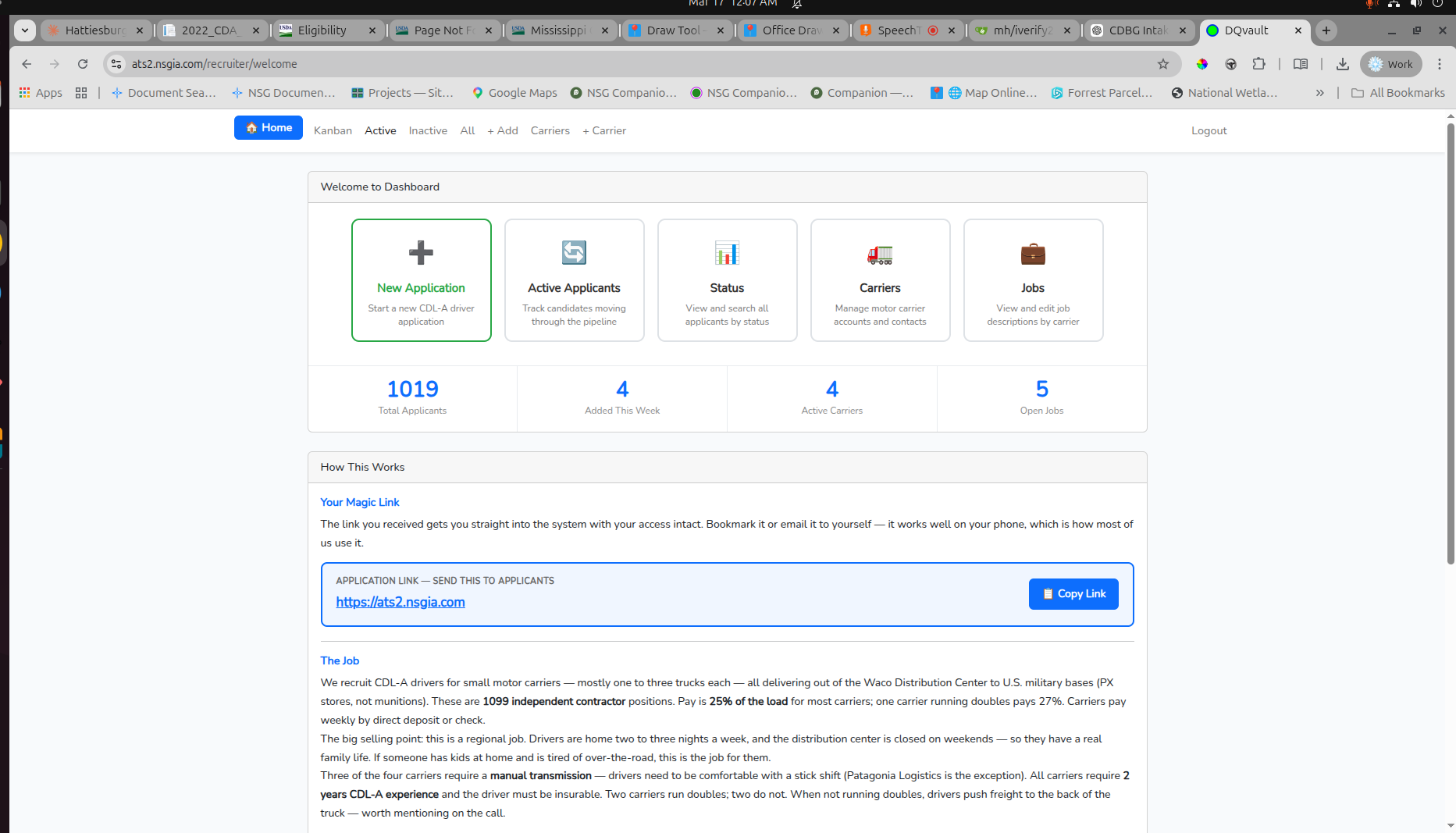
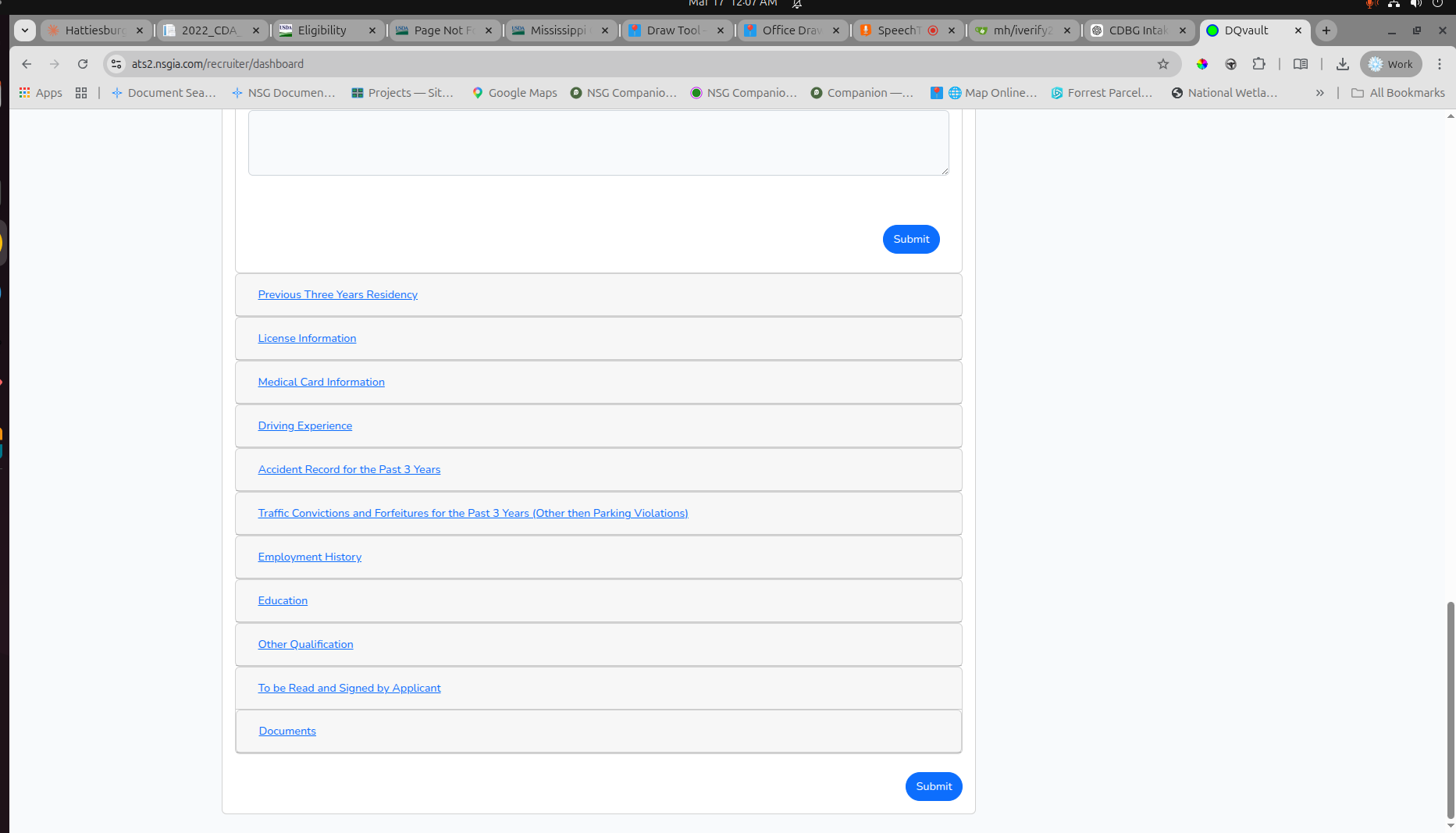
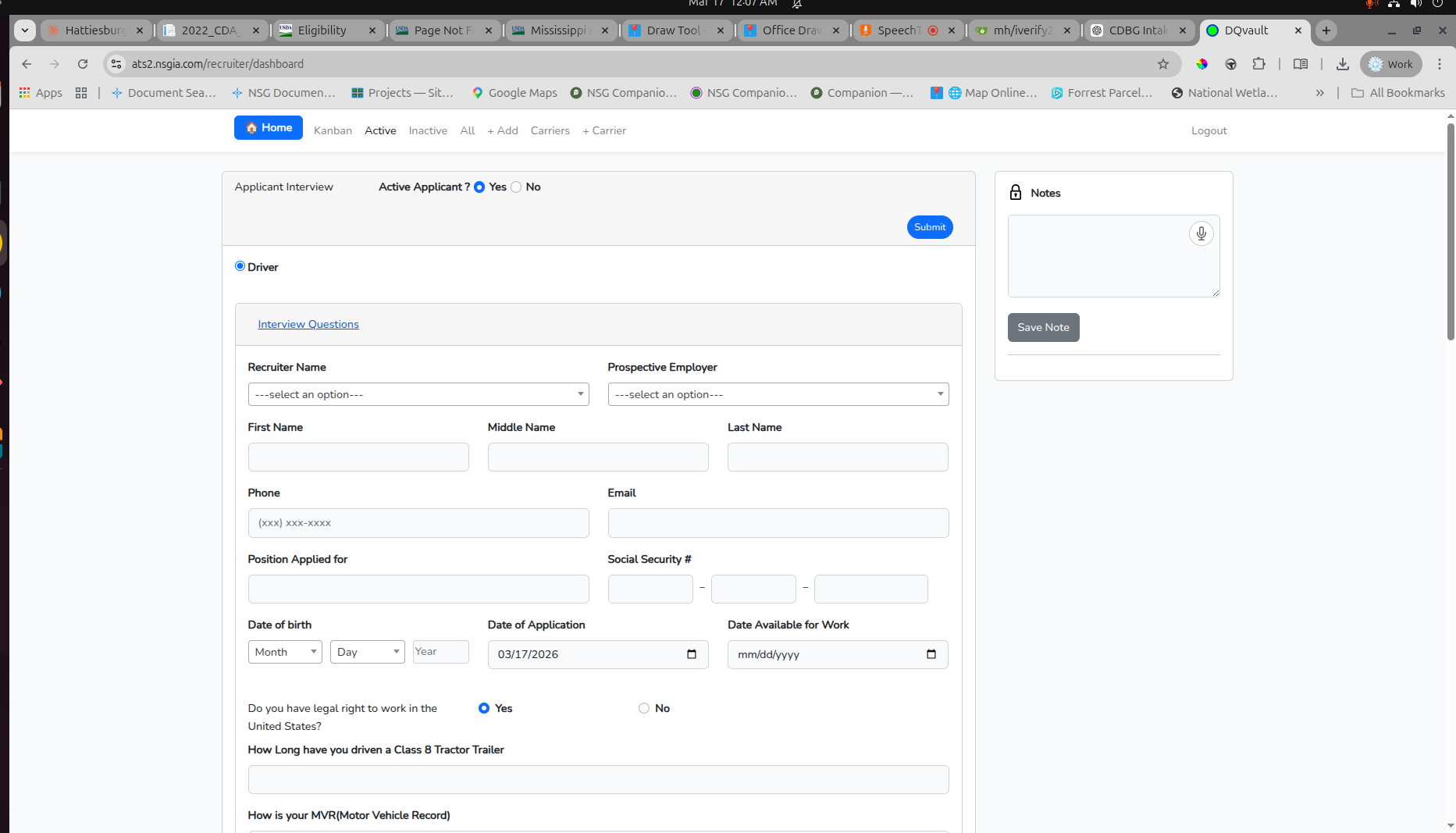
Applications can be organized in a dashboard view so staff can see where each case stands. Forms can be divided into logical sections so intake feels more manageable for applicants and easier to review internally. Notes and status information remain attached to the record.
That does not remove the need for judgment, discretion, or compliance review. It simply gives those activities a more orderly working environment.
Give Contractors a Better Starting File
Contractor pricing is often weaker when the contractor begins with incomplete information. If site conditions are unclear or measurements are uncertain, bids become harder to compare because each contractor is making different assumptions.
A contractor can review an organized property report from the desk before bidding: mapped location, site imagery, measured area, parcel context, and field photographs. When pricing is returned through a consistent structure, it becomes easier to compare scope and cost across bids.
That does not guarantee uniform pricing, nor does it replace sound contractor oversight. What it can do is reduce avoidable ambiguity by giving each contractor a clearer view of the same job.
See an example property report showing what a contractor would receive.
Compare Scenarios and See Costs More Clearly
Once site conditions, intake information, and contractor inputs accumulate, program staff still need a practical way to compare project information and understand costs.
Projects can be listed in an organized way. Different scenarios can be compared. Costs can be reviewed at a component level and then summarized in a form that is easier to interpret.
This is not a replacement for formal estimating, procurement rules, or final contractor pricing. It is an administrative tool for organizing and comparing project cost information.
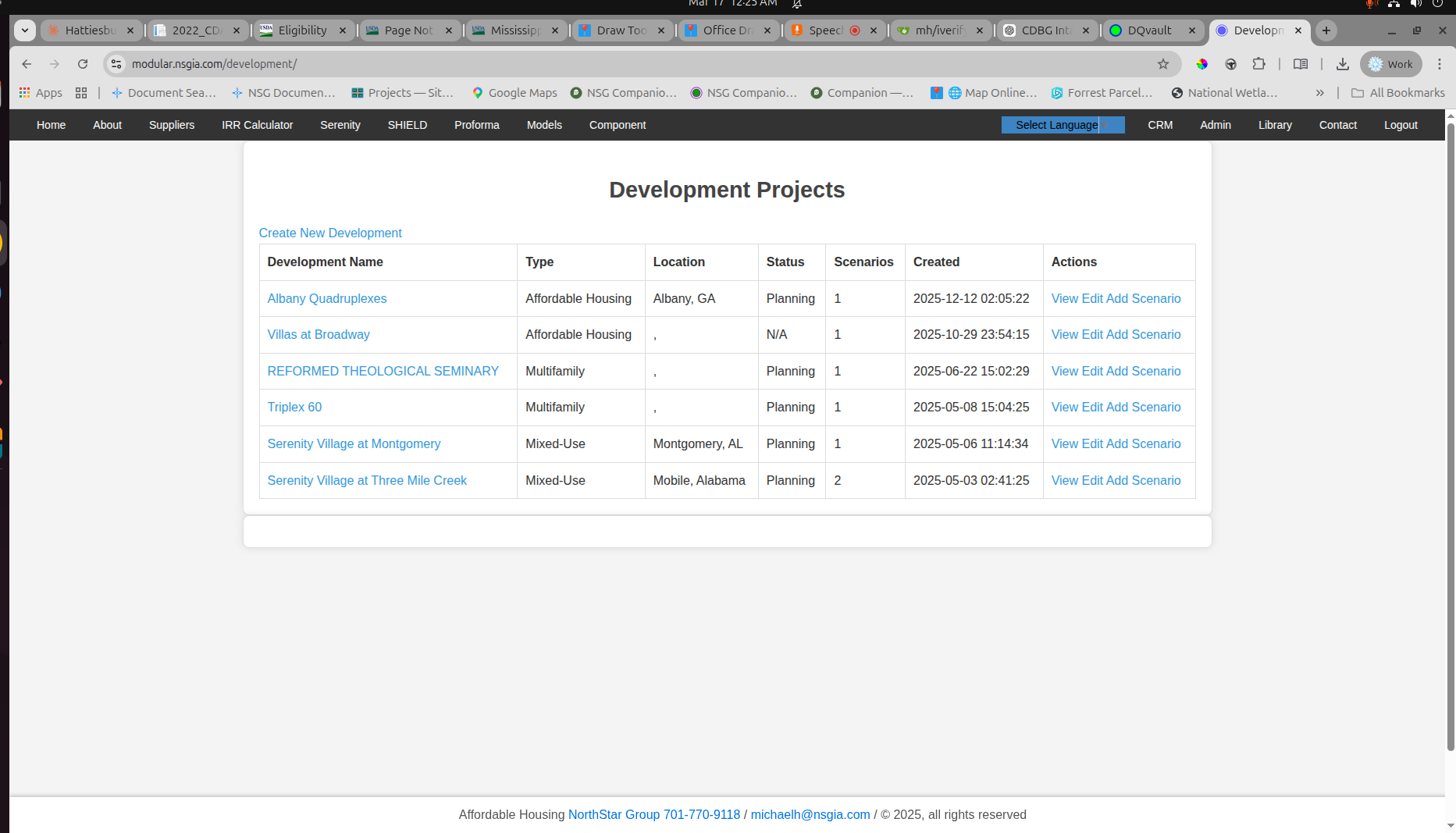
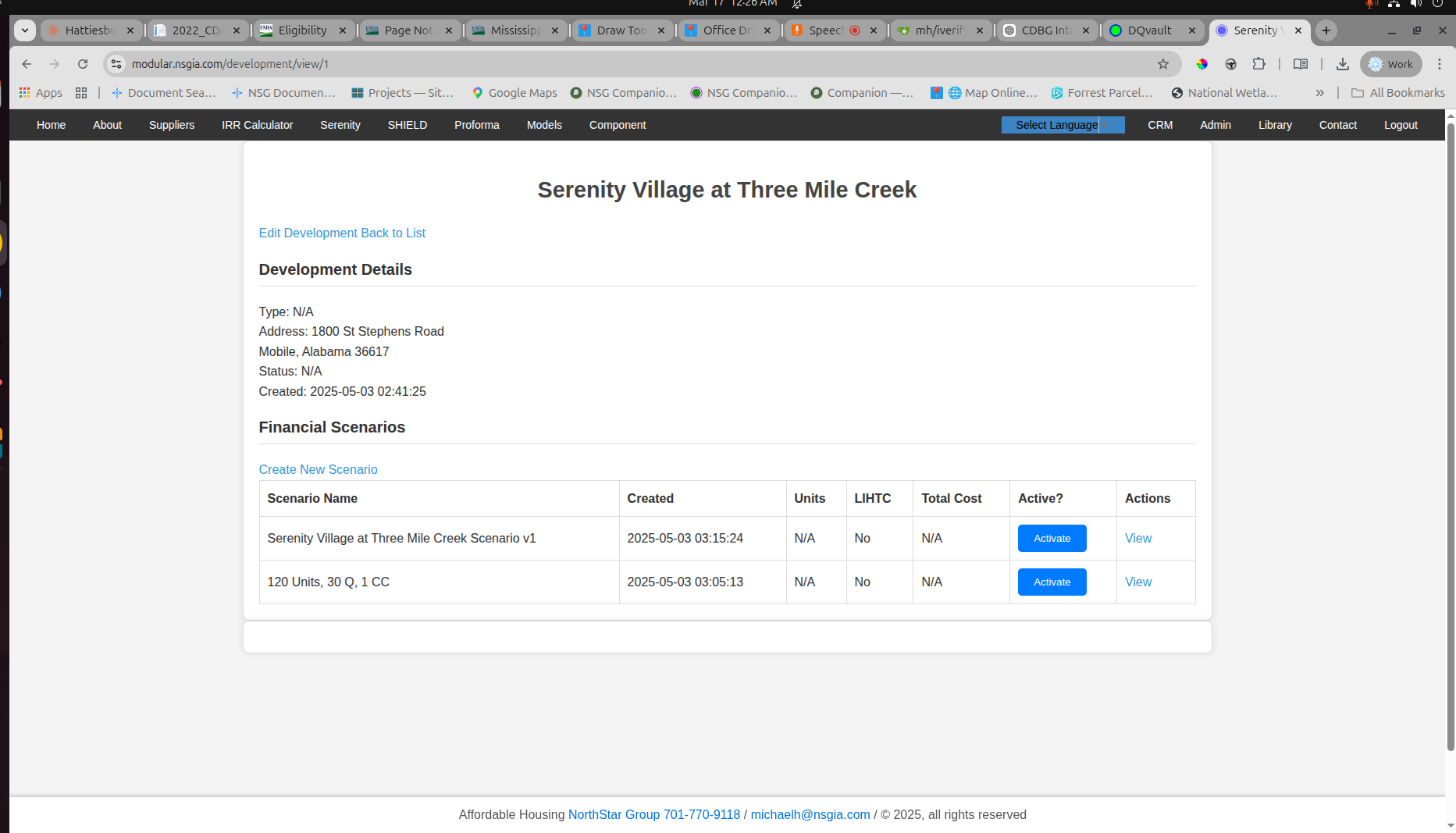
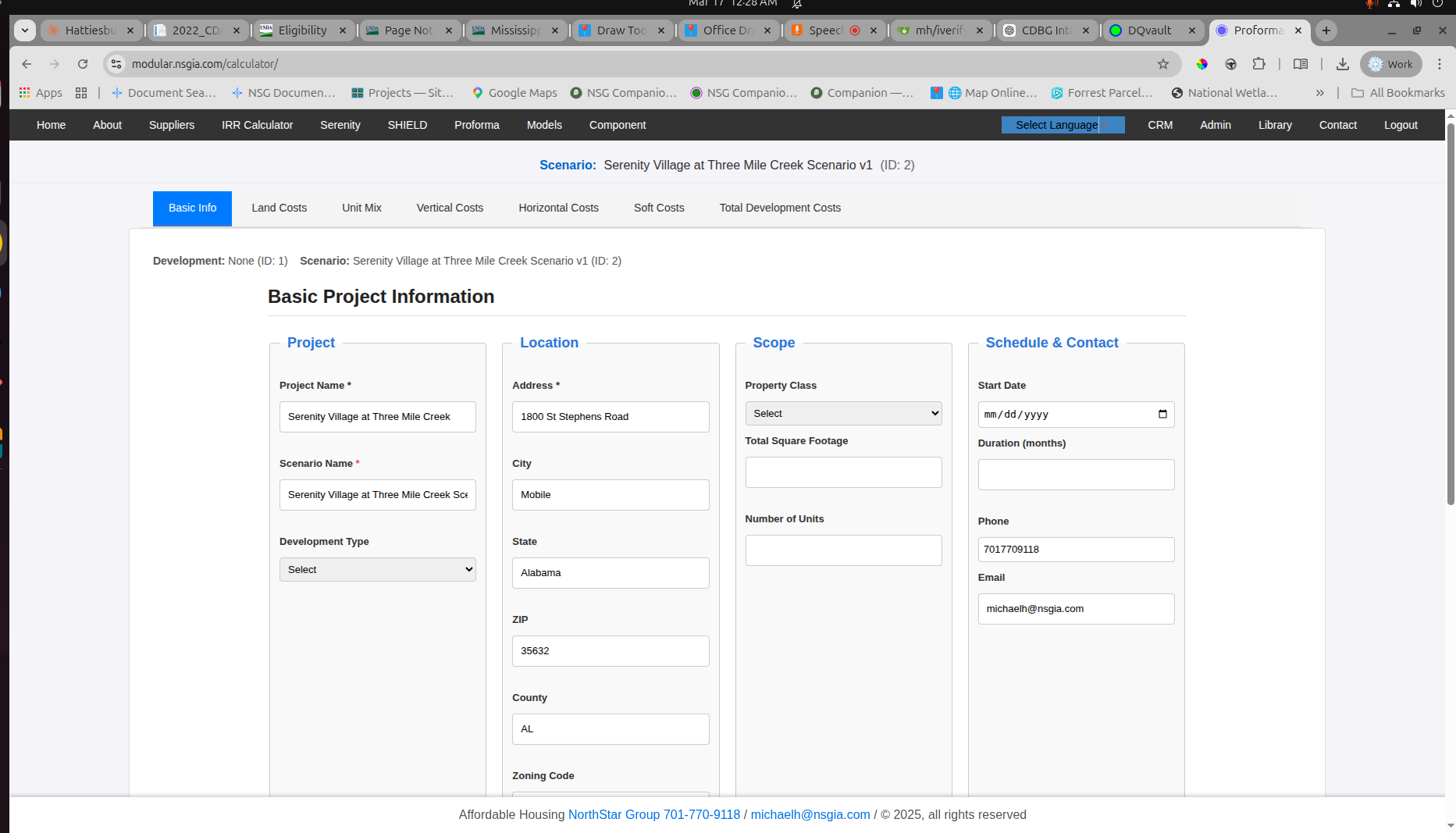
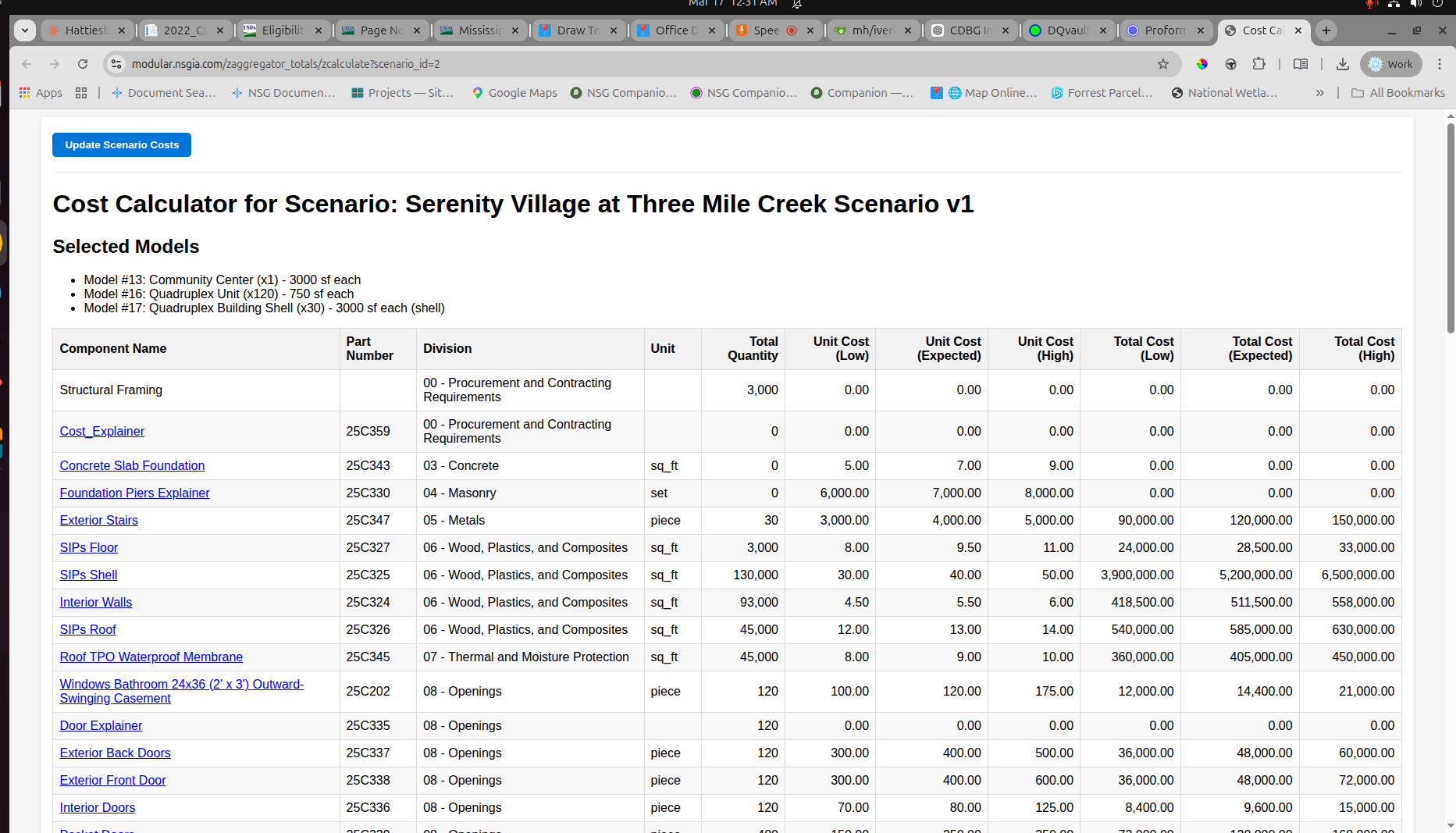
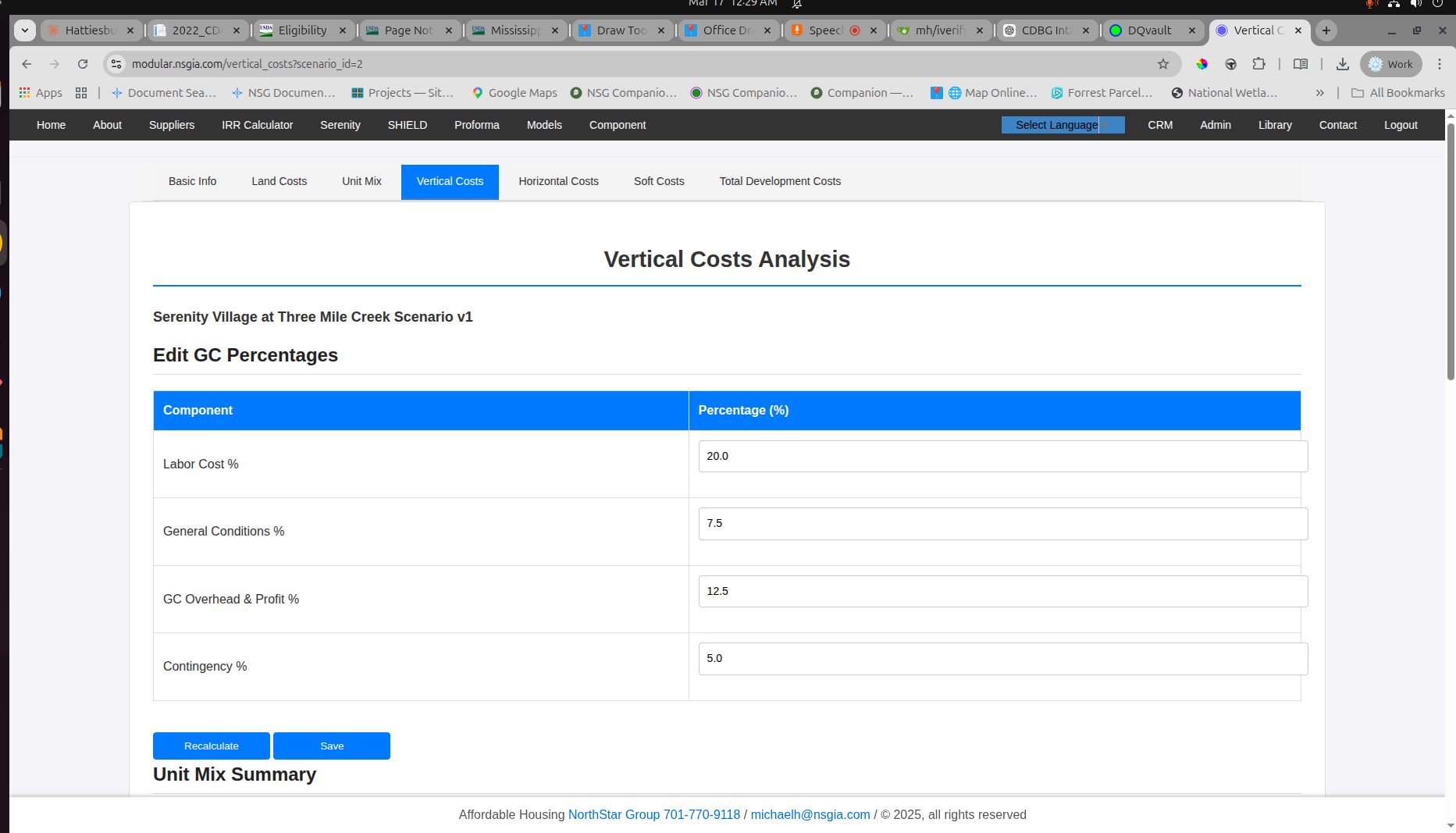
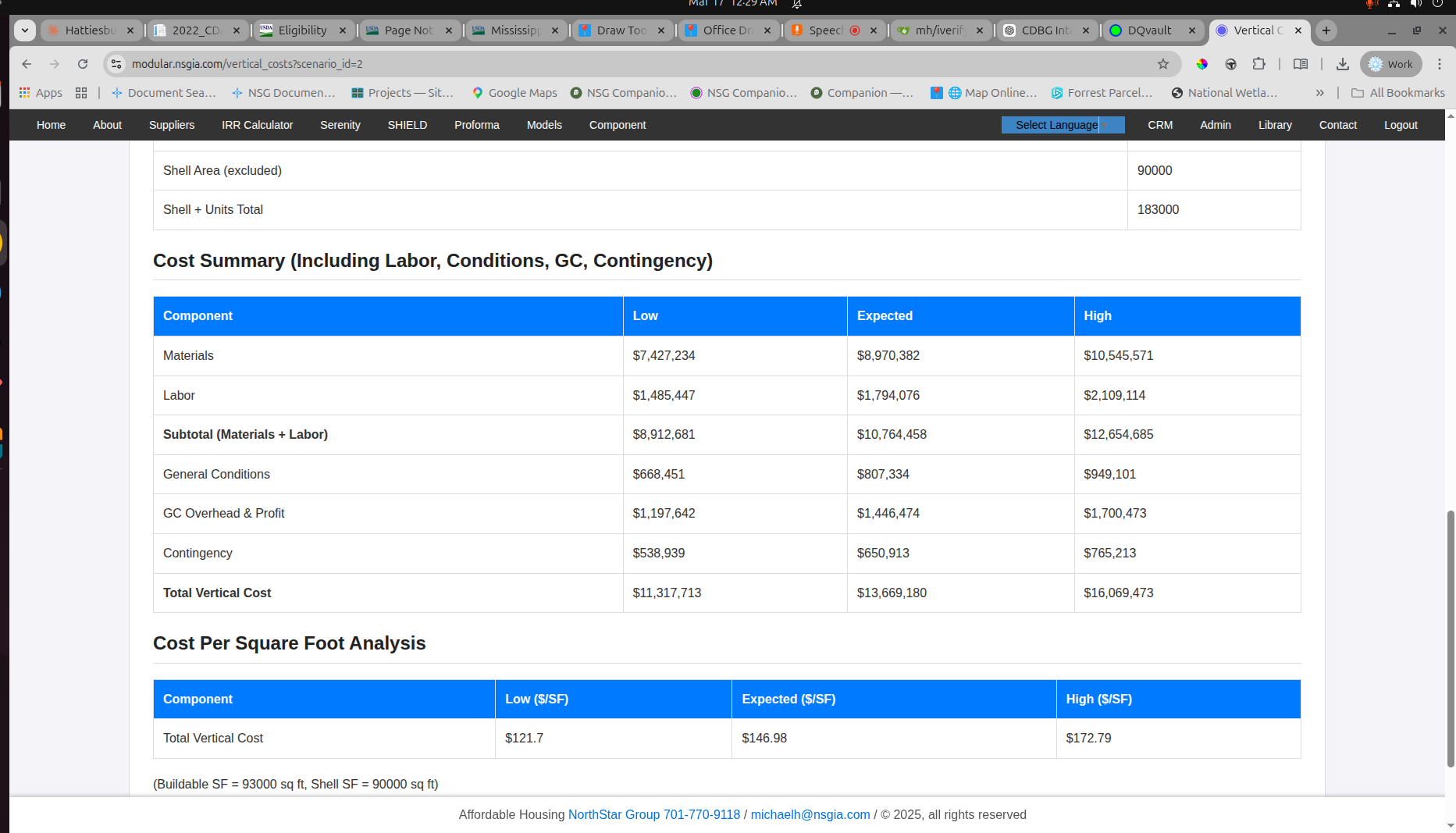
Click arrows to cycle through the costing workflow, or click any image to expand.
View Modular Cost System →One Administrative Chain Instead of Six Separate Ones
The core value of the platform is not any single screen. It is the way the pieces work together.
A property is identified first. The relevant area is mapped from the office or captured in the field. The condition is documented through photographs, measurements, and parcel data. The contractor receives an organized file for review. The bid is submitted in a standardized structure. The applicant's eligibility materials are gathered in an orderly intake process. Notes, reports, and supporting records remain tied to the case.
The reviewer sees a coherent file. The contractor prices from better documentation. The applicant moves through an understandable process. Program records stay organized over time.
Built for Real Program Administration
Many local programs do not fail because the need is unclear. They struggle because the work of moving from need to documentation, from documentation to pricing, and from pricing to an organized administrative record is harder than it should be.
This platform is intended to help with that part of the job. It supports a structured way to document properties, manage records, organize applications, improve contractor visibility, and compare project information.
For offices trying to reduce confusion and keep more of the case in one place, that kind of structure can make a meaningful difference.